
FyneCraft generates a small block landscape with a broken cloud layer above it and drops you into the middle of it, seen in perspective from eye height. It’s a Fyne application compiled to WebAssembly, so the world is built and drawn entirely in your browser.
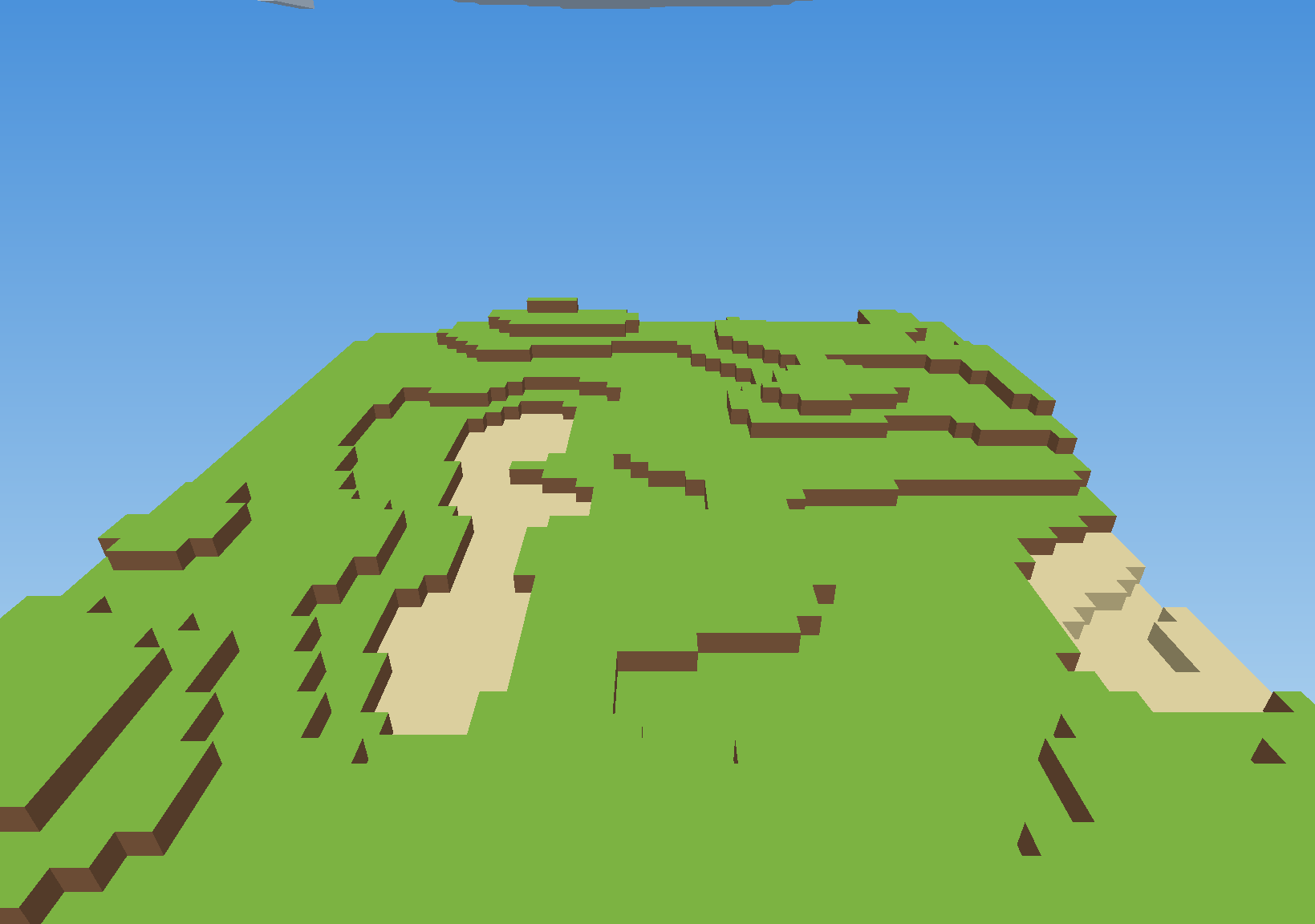
You’re a body with the world’s rules applied to it: gravity pulls, blocks get in the way, and a one-block step is a wall until you jump level with the top of it. Click a block to remove it — dig out the one under your feet and you’ll drop after it. Tick free movement on the welcome screen to fly instead, which lifts gravity and lets you pass straight through the terrain.
| Input | Action |
|---|---|
| enter, space, or the button | start playing, or resume |
| escape | pause, and look down on the world |
| move the mouse | look around |
| click | remove the outlined block |
up/down, or W/S | walk forward and back |
left/right, Q/E, or [/] | turn |
A/D | step sideways without turning |
| space | jump, or rise with free movement |
R/space, F/left shift | rise and fall (free movement) |
+/-, page up/down, scroll | zoom the lens in and out |
The mouse only looks; the keyboard decides which way you face and walk. Keeping those apart is what stops a glance to one side sending you off course, and it means looking at your feet won’t walk you into the ground.
The world is drawn on the graphics card by a fragment shader, with a software renderer beside it
that produces exactly the same picture — so it needs a browser with WebGL and WebAssembly support.
The first load pulls down a sizeable .wasm bundle, so give it a moment on a slow connection.